

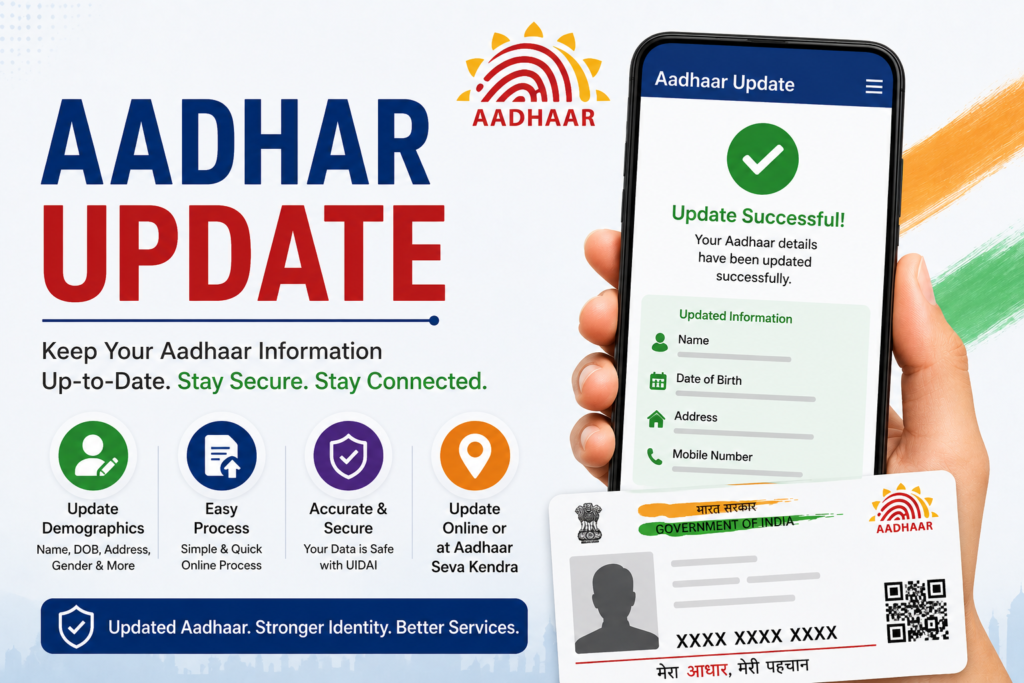
Aadhaar, India’s biometric identity system, has simplified access to government and private services. From verifying your identity to opening bank accounts, Aadhaar serves as a crucial proof of identity for Indian residents. However, updating your Aadhaar information is sometimes necessary due to changes in address, mobile number, or other details. But, one common query among users is: “Does the QR Code in Aadhaar Card change automatically during any update?” Let’s delve deeper into this topic.
Why Aadhaar Updates Are Important
Updating your Aadhaar card ensures that the information you share stays current and relevant. Whether you’ve moved to a new city, changed your mobile number, or corrected an error in your name or date of birth, updating your Aadhaar record is critical for availing government and private sector services. The Aadhar update process helps maintain the integrity of your identity record.
Reasons for Updating Aadhaar
Here are a few typical scenarios that require an Aadhaar update:
- Change in address
- Update in mobile number or email ID
- Name correction or date of birth adjustment
- Biometric updates for children (when they turn 15 years old)
- Correction in demographic details
Once an update is made, users often wonder whether this amendment leads to a change in the QR Code in Aadhaar card, which is encoded with your identity details.
Does the QR Code in Aadhaar Card Change Automatically After an Update?
What Is a QR Code in Aadhaar?
The QR Code in Aadhar card is a machine-readable square barcode that instantly verifies the cardholder’s identity. It contains vital demographic and biometric details embedded securely. Scanning this QR code using a specialized app provides quick and authentic proof of identity.
Does It Change?
When an Aadhaar update is processed, the QR code embedded in the Aadhaar card does change automatically. This change reflects the updated information. For instance:
- If you update your address, the new address is reflected in the QR Code.
- If you change your mobile number, the QR code is automatically updated to reflect the new number.
This ensures the integrity of your identity record because the QR code always mirrors the most recent Aadhaar details.
How to Update Your Aadhaar Card
Updating your Aadhaar card is a user-friendly process. There are two main ways to update your Aadhaar:
1. Online Aadhaar Update
You can update specific demographic details (such as address) using the UIDAI’s official website. Here’s how:
- Visit the UIDAI Aadhaar Self-Service Update Portal.
- Login with your Aadhaar number.
- Fill out the form with updated details.
- Upload scanned copies of relevant proofs.
Once approved, the QR code associated with your Aadhaar will automatically reflect the changes.
2. Offline Aadhaar Update
For biometric updates or corrections to name, date of birth, and other details, you’ll need to visit the nearest Aadhaar update center.
Steps include:
- Book an appointment using the UIDAI portal or just walk into an update center.
- Complete the form provided at the center and verify your biometrics.
- Provide necessary proofs for verification.
After verification, you’ll receive an updated Aadhaar card where the new QR code encodes all recent changes.
How to Verify QR Code in Aadhaar Card
To check the details encoded in your updated QR code:
- Download the UIDAI QR Code Scanner App.
- Open the app and use the built-in scanner.
- Scan the QR code printed on your Aadhaar card.
- Review the details displayed to ensure accuracy.
If any information appears outdated, verify the status of your Aadhaar update request and make corrections as necessary.
FAQs About Aadhaar Update and QR Code
Q1: What information does the QR Code in Aadhaar card include?
The QR Code includes your Aadhaar number, name, date of birth, photo, and demographic details.
Q2: Is the QR Code in Aadhaar secure?
Yes, the QR Code is encrypted and can only be decoded using the official UIDAI app, ensuring your privacy is protected.
Q3: How long does it take for the QR code to update after an Aadhaar change?
Typically, the QR code is updated instantly once your Aadhaar update request is processed and approved.
Q4: Do I need to reprint Aadhaar after updating the QR code?
Yes, if you’ve updated your Aadhaar details, you should download or request a reprint of your Aadhaar card to ensure it contains the latest QR code.
Q5: Can the QR Code in Aadhaar work without internet?
Yes, the QR code can be scanned offline using the UIDAI QR Code Reader app.
Wrapping Up
Keeping your Aadhaar up to date ensures you can continue to benefit from various governmental and non-governmental services seamlessly. Understanding whether the QR code in Aadhaar card changes automatically after updates—a feature often utilized by platforms like Bajaj Finserv—can help you verify your identity quicker and efficiently.
If you haven’t checked your Aadhaar for outdated information recently, it’s a good idea to perform an Aadhaar update today. Visit the official UIDAI portal or Aadhaar center to take the first step.
Take Action Now!
Don’t wait for outdated details to create unnecessary hassle for you. Begin your Aadhaar update process today and ensure your QR code stays current and valid. Visit the comprehensive UIDAI Aadhaar Update portal to get started!
By keeping your Aadhaar card updated, you not only ensure smooth access to services but also safeguard your identity with accurate QR Code details.
