

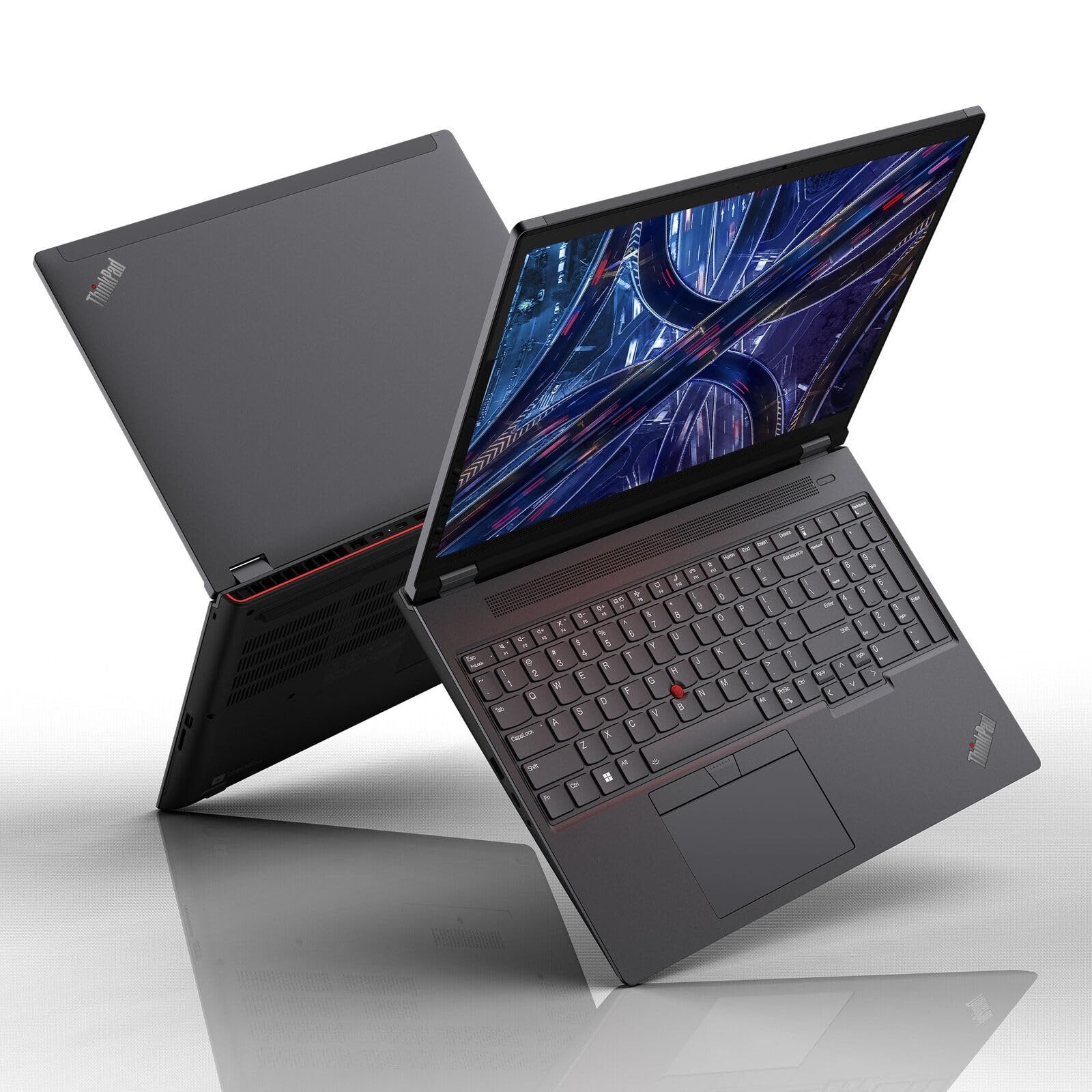
Introduction: Why the Lenovo ThinkPad P16 Deserves Your Attention
If you’ve ever tried to run a demanding CAD simulation, render a complex 3D scene, or train a small AI model on a laptop that just couldn’t keep up, you already understand the appeal of a true mobile workstation. That’s exactly the gap the Lenovo ThinkPad P16 is built to fill.
Unlike a typical business laptop say, the ultra-portable Lenovo T14 the ThinkPad P16 is engineered from the ground up for professionals who need desktop-class power in a machine they can still carry between the office, the job site, and home. Think architects running BIM software, video editors scrubbing through 8K footage, data scientists prototyping machine learning models, or engineers doing finite element analysis.
In this guide, you’ll learn:
- What makes the ThinkPad P16 different from standard laptops (including the Lenovo P16 naming and lineup)
- A breakdown of its performance, display, and build quality
- How it compares to the Lenovo T14 and other workstation rivals
- Real-world use cases where the P16 shines
- Pros, cons, and frequently asked questions
- Whether it’s the right investment for your workflow
Let’s dig in.
What Is the Lenovo ThinkPad P16?
The ThinkPad P16 is Lenovo’s flagship 16-inch mobile workstation, sitting at the top of the ThinkPad “P” series the line specifically designed for ISV-certified professional applications like AutoCAD, SolidWorks, Adobe Premiere Pro, and DaVinci Resolve. It’s the mobile counterpart to Lenovo’s desktop ThinkStation P-series machines, built to deliver comparable performance without being tethered to an office.
The latest generation, the ThinkPad P16 Gen 3, represents a meaningful redesign compared to its predecessor. Lenovo gave the chassis a thinner, lighter profile while still packing in enterprise-grade processors and workstation-class graphics a balancing act that’s harder than it sounds when you’re trying to cool components that can draw well over 200 watts combined.
Key Highlights of the ThinkPad P16 Gen 3
According to Lenovo’s official specifications, the ThinkPad P16 Gen 3 is built around <cite index=”1-1″>Intel Core Ultra HX Series processors paired with up to an NVIDIA RTX PRO 5000 Blackwell GPU</cite>, positioning it as a genuine desktop-replacement machine. Specifically, it uses <cite index=”6-1″>the latest ‘Arrow Lake’ Intel Core Ultra 200HX series processors, which offer up to 24 cores and clock speeds reaching 5.5 GHz</cite>.
On the graphics side, buyers can configure the system with a range of NVIDIA options. The Blackwell-generation lineup spans <cite index=”5-1″>the RTX PRO 2000 with 8GB of GDDR7 memory, up through the RTX PRO 3000 (12GB, ECC), RTX PRO 4000 (16GB, ECC), and the top-tier RTX PRO 5000 with 24GB of ECC GDDR7 memory and up to 1,824 TOPS of AI compute</cite>. That kind of GPU headroom is a big deal if you’re doing GPU-accelerated rendering, simulation, or local AI inference workloads a standard ultrabook simply can’t touch.
Connectivity has also taken a leap forward. The Gen 3 model supports <cite index=”5-1″>Thunderbolt 5, which delivers 80 Gbit/s of bidirectional bandwidth and up to 120 Gbit/s in bandwidth boost mode for video-intensive applications</cite>. It can also drive an impressive number of external displays <cite index=”5-1″>up to five independent displays total, including the native screen and four external monitors via Thunderbolt 5, Thunderbolt 4, and HDMI</cite>.
For wireless connectivity, the machine ships with <cite index=”5-1″>Intel Wi-Fi 7 BE200 (802.11be, 2×2) combined with Bluetooth 5.4 and Intel vPro technology support</cite>, ensuring fast, stable networking for enterprise environments.
A Lighter, More Portable Redesign
One of the more surprising engineering decisions in this generation involves power delivery. Lenovo <cite index=”6-1″>redesigned the ThinkPad P16 to be thinner, lighter, and more power-efficient than the Gen 2 model, now shipping with a 180W power supply instead of the previous 230W unit</cite>. That’s a notable drop, and it comes with trade-offs worth understanding before you buy.
Industry analysts have pointed out that this lighter power envelope could hold back performance in the most demanding configurations. As one industry publication noted, <cite index=”6-1″>competitors like the Dell Pro Max 16 Plus and HP ZBook Fury G1i use the same processors but ship with 280W adapters, while the larger 18-inch ZBook Fury G1i goes even further with a 330W supply</cite>. If you’re planning to max out the configuration with the RTX PRO 5000 GPU, it’s worth reading independent benchmarks to see how sustained, heavy workloads perform compared to rivals with beefier power supplies.
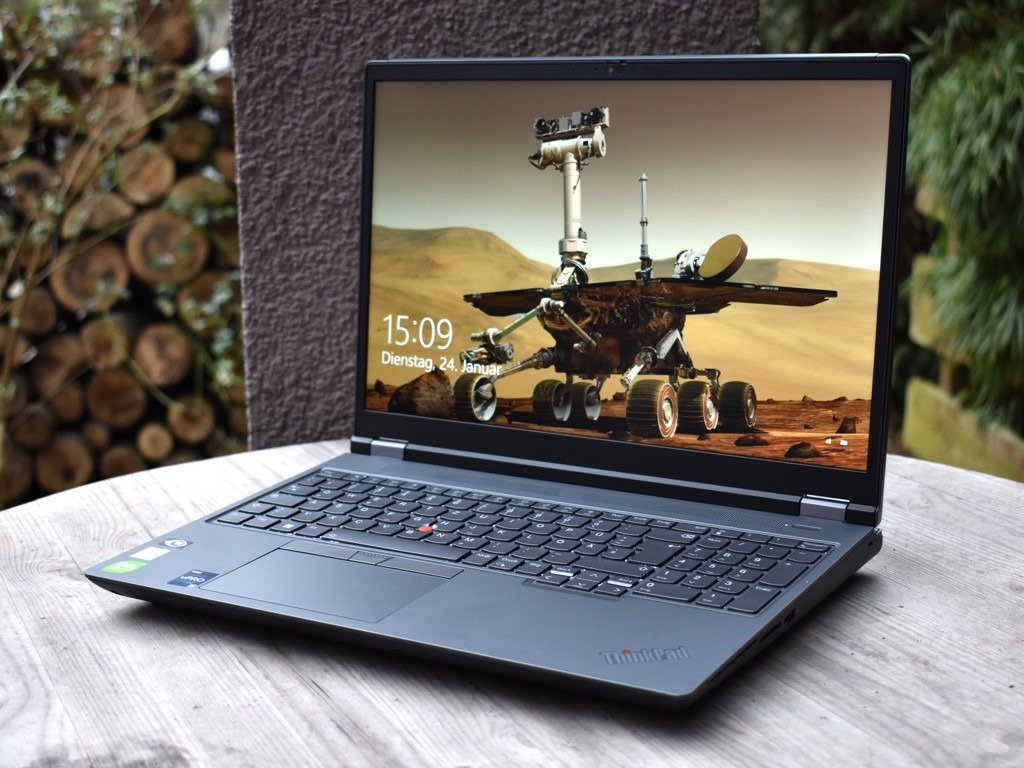
Security and Durability Built for Enterprise Use
Security is where ThinkPad workstations have traditionally set themselves apart from consumer laptops, and the P16 Gen 3 continues that tradition. The system includes a <cite index=”9-1,7-1″>Discrete TPM 2.0 chip that’s TCG and FIPS 140-2 certified</cite>, along with a <cite index=”5-1″>touch-style fingerprint reader integrated into the power button using match-on-chip technology</cite>. For enterprise deployments, there’s also an optional <cite index=”5-1″>smart card reader supporting ISO 7816 and EMV standards</cite>.
Physical durability matters too, especially for professionals who work on job sites or travel frequently. The ThinkPad P16 line carries <cite index=”7-1″>MIL-STD-810H testing for durability, along with EPEAT Gold and ENERGY STAR certifications</cite>, confirming it can withstand real-world wear and tear while meeting sustainability benchmarks that matter to enterprise procurement teams.
Display, Camera, and Everyday Usability
A workstation is only as good as the screen you’re staring at for eight-plus hours a day. The P16 Gen 3 supports high-resolution external display setups alongside its own panel, and its onboard camera is built for modern hybrid work. It comes with a <cite index=”5-1″>5.0MP camera with infrared for Windows Hello, complete with a privacy shutter, fixed focus, and computer-vision-based human presence detection</cite> that can automatically lock your screen when you step away.
Lenovo ThinkPad P16 vs. Lenovo T14: Which One Do You Need?
This is one of the most common points of confusion for buyers browsing Lenovo’s lineup, so let’s clear it up directly.
The Lenovo T14 is part of the ThinkPad “T” series Lenovo’s mainstream business laptop line. It’s designed for everyday productivity: email, spreadsheets, video calls, and general office work, all in a slim, lightweight 14-inch chassis. The latest generation, the ThinkPad T14 Gen 6, is available with either Intel Core Ultra or AMD Ryzen AI PRO processors and is built primarily around integrated graphics rather than a discrete workstation GPU.
In terms of battery life alone, the T-series prioritizes all-day portability. The T14s Gen 6, for instance, is rated for <cite index=”14-1″>up to roughly 23 hours of battery life under MobileMark 25 testing, and nearly 35 hours of local video playback</cite> figures a power-hungry workstation like the P16 simply can’t match given its far more demanding components.
Here’s the simplest way to decide between them:
| Factor | Lenovo T14 | Lenovo ThinkPad P16 |
| Primary use case | Everyday business tasks | CAD, 3D rendering, AI/ML, video editing |
| Graphics | Integrated (Intel Arc / AMD Radeon) | Discrete NVIDIA RTX PRO (up to 24GB) |
| Portability | Thin, light, long battery life | Larger, heavier, shorter battery life |
| Price range | Budget to mid-range | Premium/professional |
| ISV certifications | Limited | Extensive (AutoCAD, SolidWorks, etc.) |
If your daily work involves spreadsheets, browsers, and video calls, the T14 will serve you well and save you money. If you’re rendering, simulating, or training models, the ThinkPad P16 or its slightly smaller sibling, the Lenovo P16, is the far better investment.
Real-World Use Cases: Who Actually Needs a ThinkPad P16?
Architecture and Engineering Firms: BIM software like Revit and complex structural simulations benefit enormously from the combination of a high-core-count CPU and a workstation-grade GPU with ECC memory, which reduces the risk of data corruption during long rendering or simulation runs.
Video Production Studios: Editors working in DaVinci Resolve or Premiere Pro with 8K RAW footage need both fast storage and serious GPU horsepower for real-time playback and color grading exactly what the RTX PRO 4000 or 5000 configurations are built for.
AI/ML Developers: With TOPS ratings climbing into the thousands on the top-end GPU configuration, developers can run local inference or fine-tune smaller models without depending entirely on cloud compute.
Field Engineers and Consultants: The combination of MIL-STD durability testing and genuine workstation performance means professionals who travel to client sites don’t have to choose between ruggedness and raw power.
Pros and Cons of the Lenovo ThinkPad P16
Pros
- Genuine desktop-class performance in a mobile form factor, thanks to Intel Core Ultra 200HX processors and NVIDIA RTX PRO Blackwell GPUs
- Extensive display support, with the ability to drive up to five displays simultaneously
- Enterprise-grade security, including discrete TPM, match-on-chip fingerprint reader, and optional smart card support
- Thunderbolt 5 connectivity for extremely fast data transfer and docking flexibility
- Durability testing (MIL-STD-810H) that goes beyond typical consumer laptops
- ECC memory options on higher-tier GPUs, reducing risk of errors in long, mission-critical computations
Cons
- Reduced power supply (180W) compared to the previous generation and some competitors, which may limit sustained performance on the highest-end GPU configuration
- Heavier and bulkier than mainstream laptops like the T14 — not ideal if portability is your top priority
- Premium pricing, reflecting its professional-grade components and certifications
- Shorter battery life than thin-and-light alternatives, given the power demands of discrete workstation graphics
Frequently Asked Questions
Is the Lenovo ThinkPad P16 good for gaming? It can run games well given its powerful GPU options, but it’s not designed or marketed as a gaming laptop. You’re paying a premium for ISV certifications and ECC memory that gamers don’t need a dedicated gaming laptop will usually offer better value for pure gaming performance.
What’s the difference between the ThinkPad P16 and the Lenovo P16s? The P16s is a thinner, lighter sibling aimed at professionals who want solid workstation-adjacent performance in a more portable chassis. It typically uses less powerful discrete GPU options, such as the RTX 500 Ada Generation, compared to the full-power RTX PRO Blackwell lineup available on the standard P16.
Can I upgrade the RAM and storage later? Configuration options vary, but Lenovo workstation models generally support multiple DIMM slots and M.2 storage bays, allowing for future upgrades. Always confirm specific upgradeability with your exact configuration before purchase, since some systems mix soldered and upgradeable memory.
Does the ThinkPad P16 support Linux? Yes. Lenovo workstations in this line typically offer certified support for Ubuntu Linux and Red Hat Enterprise Linux, in addition to Windows 11 Pro, making them a solid choice for developers and engineers who work outside the Windows ecosystem.
Is it worth buying over a desktop workstation? If you need to move between locations job sites, client offices, home the portability alone often justifies the premium. If your work happens entirely at a single desk, a desktop ThinkStation will typically offer more raw performance per dollar.
Conclusion: Is the Lenovo ThinkPad P16 Right for You?
The Lenovo ThinkPad P16 is built for a specific kind of user: professionals who need workstation-grade performance without giving up mobility. With Intel Core Ultra 200HX processors, NVIDIA RTX PRO Blackwell graphics options reaching 24GB of ECC memory, Thunderbolt 5 connectivity, and enterprise-level security, it’s a serious tool rather than just another laptop.
That said, it’s not for everyone. If your daily workload is email, documents, and video calls, a lighter, more battery-efficient machine like the Lenovo T14 will serve you better and cost less. But if you’re rendering 3D models, editing high-resolution video, running engineering simulations, or experimenting with local AI workloads, the ThinkPad P16 is one of the most capable mobile workstations currently available.
What’s your take? If you’ve used the ThinkPad P16 or you’re weighing it against the T14 or a rival workstation drop a comment with your experience. And if this guide helped clarify your decision, consider sharing it with a colleague who’s also shopping for a new workstation.
