

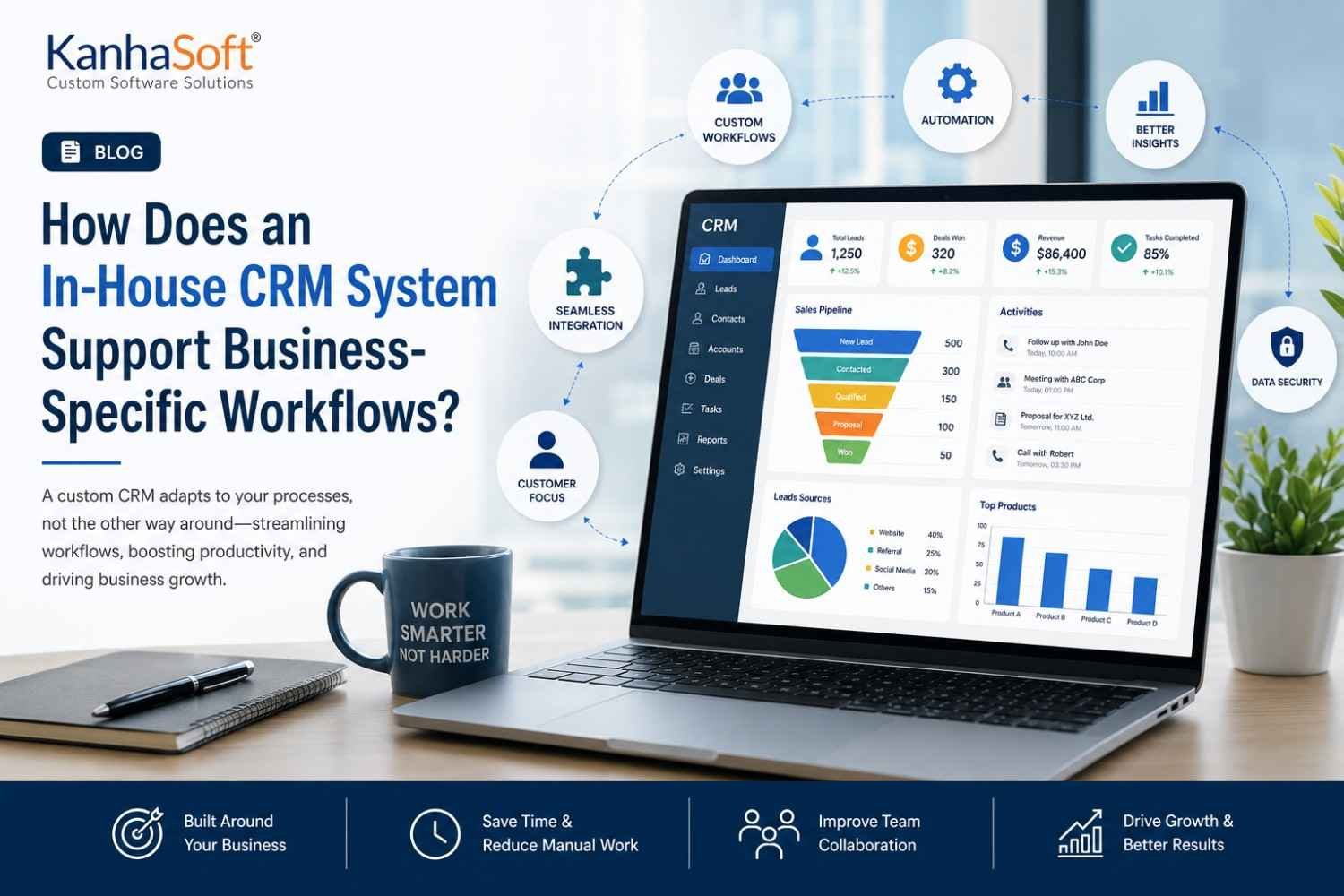
Every business has its own way of getting work done. Sales teams nurture leads differently, customer support follows unique service processes, and operations often rely on internal procedures that have evolved over years. Unfortunately, many off-the-shelf CRM platforms expect businesses to adapt to the software instead of the other way around. We have watched organizations spend more time creating workarounds than building relationships with customers, which is a little like buying running shoes that only fit after you remove your toes. A customized solution keeps workflows aligned with how your business naturally operates.
Why Every Business Has Unique Workflows
Business workflows are shaped by customers, industries, regulations, and years of practical experience. A healthcare provider manages appointments differently from a manufacturer, while a real estate agency follows an entirely different sales journey than a software company. Expecting one standard CRM to accommodate every scenario rarely produces ideal results. We often notice that businesses begin with generic software but eventually customize spreadsheets, emails, and manual processes around it. That growing collection of “temporary fixes” usually signals that operations have outgrown standard software.
What Is an In-House CRM System?
An In-house CRM System is designed specifically around a company’s processes instead of forcing teams to follow predefined templates. Every dashboard, workflow, approval process, and report reflects actual business operations rather than generic assumptions. This creates a working environment where employees spend less time searching for information and more time serving customers. Instead of asking, “Can the software do this?” businesses begin asking, “How should our workflow function?” That subtle shift often makes all the difference in long-term productivity.
Aligning CRM Features with Daily Business Operations
Daily operations become significantly easier when software reflects the way employees actually work. Sales representatives need different information than finance teams, while customer service often depends on immediate access to previous conversations and case histories. A customized CRM allows every department to view relevant data without unnecessary distractions. We have seen teams reduce confusion almost overnight simply because the interface finally made sense for their responsibilities. Sometimes productivity improves not through adding features—but by removing the ones nobody actually uses.
How Customized Workflows Improve Team Productivity
Productivity grows when repetitive work disappears. Automated reminders, approval routing, lead assignments, document generation, and follow-up notifications eliminate countless manual tasks that quietly consume valuable hours each week. Employees no longer waste time switching between multiple applications or updating duplicate records. Instead, every department follows clearly defined processes supported by automation. One client joked that they finally stopped maintaining “the spreadsheet that tracked the spreadsheet,” and honestly, many growing businesses know exactly what that means.
Eliminating Bottlenecks Before They Become Business Problems
Operational bottlenecks rarely appear overnight. They slowly develop through manual approvals, disconnected communication, duplicated data entry, and inconsistent processes across departments. Customized workflow management makes these delays visible before they affect customers or revenue. Managers can monitor every stage of a process, identify where work slows down, and introduce automation where it creates the greatest impact. Rather than reacting to problems after deadlines are missed, businesses gain the visibility needed to improve efficiency continuously.
Integrating Existing Business Tools Without Disruption
Most businesses already depend on multiple applications to manage accounting, inventory, marketing, human resources, and communication. Replacing every system simply because a new CRM arrives is rarely practical. Instead, the better approach is connecting existing platforms into one unified workflow. Information moves automatically between applications, reducing duplicate data entry and minimizing errors. Whether integrating ERP software, payment platforms, email services, or inventory systems, seamless connectivity helps employees spend less time switching screens and more time focusing on customers and business growth.
Better Customer Experiences Through Personalized Processes
Customers notice consistency even when they never see the technology behind it. When employees have instant access to purchase history, previous conversations, service requests, and communication preferences, every interaction becomes more relevant. Personalized workflows ensure follow-ups happen on time, support tickets reach the right department quickly, and sales representatives understand each customer’s journey. We often say that customers remember how easy you made doing business with you—not how many software platforms powered the experience behind the scenes.
Workflow Automation That Actually Matches Your Business
Automation should simplify work, not force teams into rigid processes that make little sense. Every organization has unique approval chains, lead qualification rules, quotation procedures, and service workflows. Custom automation reflects these real-world operations instead of generic templates. Tasks move automatically to the appropriate employee, reminders appear before deadlines, and routine actions happen without manual intervention. The result is greater consistency, fewer errors, and more time for employees to focus on solving problems that genuinely require human judgment.
Data Visibility That Helps Management Make Better Decisions
Business decisions become stronger when they are based on accurate, real-time information rather than assumptions. Customized dashboards present the metrics that actually matter, allowing executives and department managers to monitor performance without sorting through unnecessary reports. Sales trends, customer retention, operational efficiency, employee productivity, and revenue forecasts become easier to understand at a glance. Better visibility also encourages faster responses when opportunities or challenges emerge, helping businesses remain agile in increasingly competitive markets.
Security, Compliance, and Control
Customer information represents one of a company’s most valuable assets, making security a business priority rather than simply an IT concern. Custom platforms provide role-based permissions, detailed audit trails, encrypted data storage, and compliance controls designed around specific regulatory requirements. Employees access only the information necessary for their responsibilities, reducing unnecessary exposure to sensitive records. Businesses also maintain greater ownership of their operational data, making future upgrades, integrations, and compliance audits significantly easier to manage with confidence.
Scalability Without Rebuilding Business Processes
Growth should not require rebuilding software every few years. As organizations expand into new markets, hire additional employees, or introduce new services, their systems should evolve alongside them. Custom-built solutions make it easier to add departments, automate new workflows, introduce reporting features, or integrate additional business applications without disrupting existing operations. Planning for scalability from the beginning prevents costly redevelopment later and ensures technology continues supporting business goals rather than slowing progress.
Common Mistakes Businesses Make When Choosing CRM Solutions
Many businesses select CRM software based on feature lists rather than actual workflow requirements. The result is often an impressive-looking platform that employees rarely use to its full potential. Another common mistake is overlooking user adoption, assuming teams will automatically embrace new technology without proper planning or training. We have also seen companies purchase multiple add-ons just to compensate for missing functionality. By the time everything is connected, the “simple” solution has become surprisingly complicated—and considerably more expensive than expected.
Signs Your Business Needs a Custom CRM Instead of Generic Software
Several warning signs suggest your business has outgrown standard CRM software. Employees rely on spreadsheets to track critical information, departments maintain duplicate customer records, approvals happen through endless email chains, and reports require hours of manual preparation. Customer information may also be scattered across multiple systems, making collaboration unnecessarily difficult. When technology starts creating extra work instead of reducing it, the software is no longer supporting business growth. That is usually the right time to evaluate a more tailored solution.
How Kanhasoft Builds CRM Around Your Business Instead of Changing Your Business
Every successful CRM project begins with understanding how a business actually operates. Before writing a single line of code, we map workflows, identify operational challenges, and understand how each department collaborates. That discovery process ensures technology supports existing business goals rather than disrupting them. Our CRM software development services focus on building scalable, secure, and user-friendly solutions that integrate naturally with existing systems. Instead of forcing businesses into predefined templates, we create software that grows alongside changing operational needs and long-term objectives.
Conclusion
Technology should make work easier—not introduce new obstacles disguised as features. A thoughtfully designed CRM becomes more than a customer database; it becomes the operational backbone connecting people, processes, and information across the organization. When software reflects the way your teams already work, productivity improves naturally, collaboration becomes smoother, and customer experiences become more consistent. At Kanhasoft, we believe the best business software rarely demands that companies change their workflows. Instead, it quietly adapts, supports growth, and helps businesses focus on what matters most—serving customers and moving forward with confidence.
Frequently Asked Questions
1. What is an In-house CRM System?
An In-house CRM System is a customer relationship management solution designed specifically around a company’s internal processes. Unlike generic CRM platforms, it supports unique workflows, reporting requirements, and business rules. This allows organizations to improve efficiency without forcing employees to change the way they already work.
2. How does a custom CRM improve business workflows?
A custom CRM automates repetitive tasks, streamlines approvals, centralizes customer information, and improves collaboration between departments. Since workflows are built around actual business operations, employees spend less time performing manual tasks and more time delivering value to customers.
3. Is a custom CRM suitable for small businesses?
Yes. Small businesses often benefit from customized solutions because they avoid paying for unnecessary features while gaining software that matches their growth plans. A scalable CRM can expand as the company adds employees, services, or locations.
4. Can a custom CRM integrate with existing business software?
Absolutely. Modern CRM platforms can integrate with ERP systems, accounting software, email platforms, marketing automation tools, payment gateways, inventory systems, and third-party applications through APIs, creating a connected business ecosystem.
5. How long does it take to develop a custom CRM?
Development timelines depend on project complexity, required integrations, automation features, and customization needs. Smaller CRM projects may take a few months, while enterprise-level platforms with advanced functionality generally require longer implementation periods.
6. Is a custom CRM more secure than standard CRM software?
A well-developed custom CRM can offer stronger security because businesses control user permissions, authentication methods, data storage policies, audit trails, and compliance requirements. Security measures are designed specifically for the organization’s operational needs.
7. Which industries benefit most from a custom CRM?
Industries including healthcare, real estate, manufacturing, finance, logistics, education, legal services, construction, and professional consulting often benefit significantly because their workflows are usually more specialized than standard CRM platforms can accommodate.
8. What features should a business-specific CRM include?
The right features depend on business requirements but commonly include lead management, customer history, workflow automation, document management, reporting dashboards, role-based permissions, communication tracking, task management, integrations, and mobile accessibility.
9. How much does custom CRM development cost?
Costs vary depending on the number of users, required modules, integrations, automation complexity, reporting features, security requirements, and future scalability. Investing in tailored software often reduces long-term operational costs by improving efficiency.
10. Why choose Kanhasoft for CRM development?
Kanhasoft builds CRM solutions around the way businesses actually operate. By combining industry expertise, scalable architecture, seamless integrations, and long-term technical support, we help organizations create software that improves efficiency, supports growth, and delivers measurable business value for years to come.
