

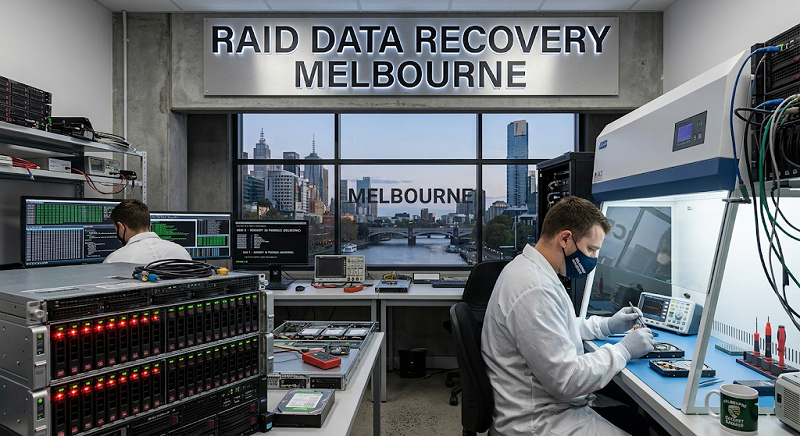
This is precisely the situation where reliable data recovery Sydney support, backed by a full range of data recovery services, makes the biggest difference to the outcome.
It usually happens on an ordinary Tuesday. A laptop that won’t boot, a hard drive that clicks instead of spinning up, or a folder of family photos that’s simply vanished. The panic that follows is completely normal — and, in most cases, entirely avoidable if you know what to do next.
The First Ten Minutes Matter Most
Whatever’s happened, resist the urge to keep trying things. Every extra attempt to boot a failing drive, run a repair tool, or reinstall software increases the risk of writing over the very data you’re trying to save.
If it’s a laptop or desktop that won’t start, switch it off and leave it off. If it’s an external drive making unusual noises, unplug it. These few minutes of restraint often make the biggest difference to whether data is recoverable at all.
Common Causes We See Across Sydney Households
- Accidental deletion, usually during a phone or laptop clean-up
- A drive dropped or knocked while connected
- Sudden power loss corrupting the file system
- Liquid damage, especially with laptops used near kitchens or on balconies
- Ageing external hard drives that simply wear out
None of these are unusual. They happen constantly, to careful and careless people alike.
Why DIY Recovery Software Doesn’t Always Help
There’s no shortage of free recovery tools online, and for simple cases — an accidentally deleted file on a healthy drive — they can genuinely work. The trouble starts when the underlying drive has a physical problem, like a failing read head or bad sectors. Running recovery software on a physically damaged drive often makes things worse, sometimes irreversibly.
A rough rule of thumb: if the drive is making noise, getting warm and behaving strangely, or simply not being detected at all, it’s time to stop and get it looked at rather than keep experimenting.
What Professional Data Recovery Actually Involves
When Sydney households bring in a drive with real physical damage, the process looks quite different to running a piece of software:
- The drive is assessed to determine whether the fault is logical or physical
- If physical, work happens in a controlled environment to avoid further damage
- A sector-by-sector image is created wherever possible
- Files are reconstructed and verified from that image
- Recovered data is handed back on new, healthy media
This careful separation between the original faulty drive and the recovery process is what allows data recovery Sydney specialists to succeed even in cases that look hopeless at first glance.
A Story Worth Sharing
A family in the Inner West once brought in an external drive that had been knocked off a desk, containing eight years of family photos with no other copy anywhere. The drive wouldn’t spin up at all. Rather than attempting further power cycles, which can worsen mechanical faults, our team assessed it, found a damaged read head, and imaged the platters directly. Every photo came back intact.
That outcome depended entirely on the drive being switched off and left alone the moment something seemed wrong.
Reducing The Chances Of It Happening Again
- Keep at least one backup copy somewhere separate from your main device
- Handle external drives gently, and avoid moving them while connected
- Don’t ignore early warning signs like slow performance or unusual noises
- Consider cloud backup for anything genuinely irreplaceable
Data loss is stressful, but it’s rarely as final as it feels in the moment. A calm response in those first few minutes, followed by the right kind of help when the fault is more than superficial, gives you the best possible chance of getting everything back.
Mobile Devices Bring Their Own Set Of Challenges
While hard drives and desktop systems make up a large share of recovery cases, phones and tablets have become just as common across Sydney households. The principles are similar — stop using the device the moment something seems wrong — but the internal architecture is quite different, with storage chips soldered directly to logic boards rather than sitting on a removable drive.
This matters because it changes what “stopping use” actually protects against. With a phone, the bigger risk is often continued power cycling or attempted software fixes, rather than the kind of mechanical wear a spinning hard drive experiences.
Why Data Recovery Sydney Households And Businesses Trust A Careful Process
Whatever’s caused your data loss, the underlying principle behind reliable data recovery Sydney support stays consistent: stop, assess, then act carefully. Recovery Squad’s approach to data recovery Sydney cases combines that caution with broader data recovery services, covering everything from a simple deleted folder to a fully failed drive.
